

Overview
The Layout Panel is where you will adjust the size of objects on your page. In iOS, the Layout Panel is one tab in the bottom tab bar, whereas in macOS, it’s floating on the right side of the screen.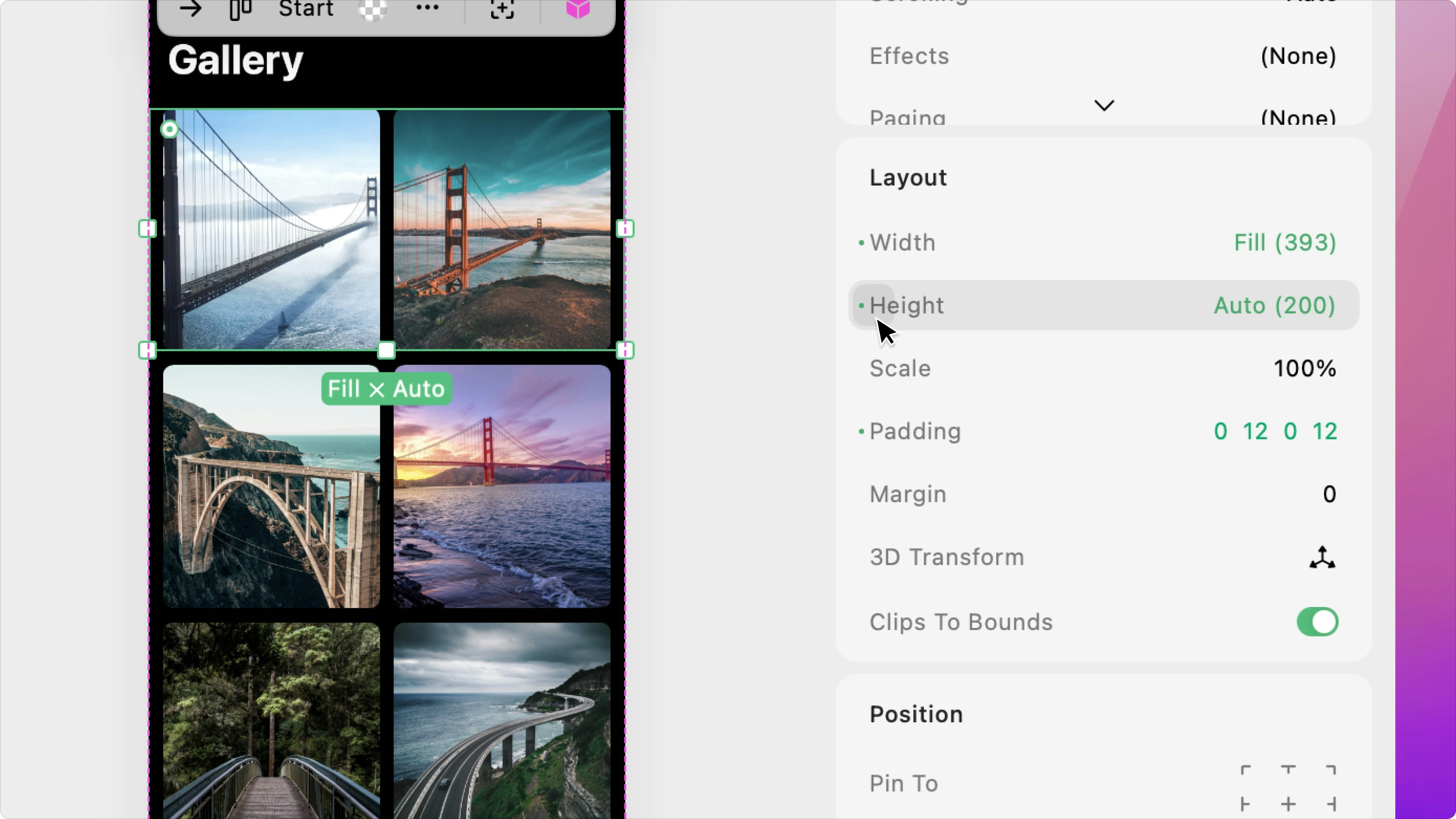
Width & Height
Use these attributes to easily adjust the width and height of your selected object. By tapping/clicking the number on the right side of the property, you can enter a specific value and select the unit:- Points: the exact point value
- Percentage: the percentage of the object’s parent