

Overview
Using the Figma plugins Tokens Studio or Design Tokens, you can bring your existing design system into Play. This functionality supports color, gradient, and type styles along with color and spacing variables, which will also be considered styles in Play.Figma Plugin
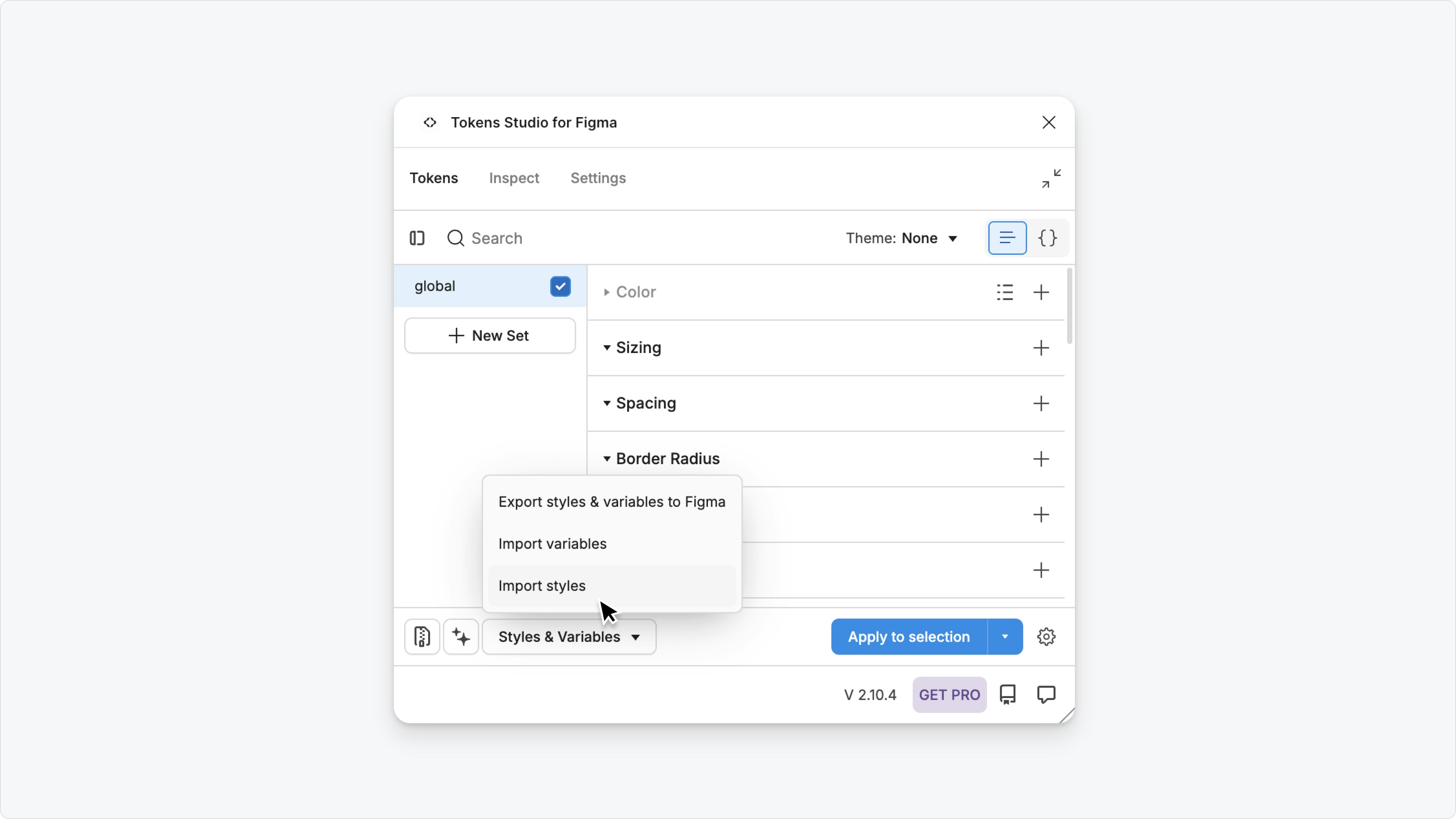
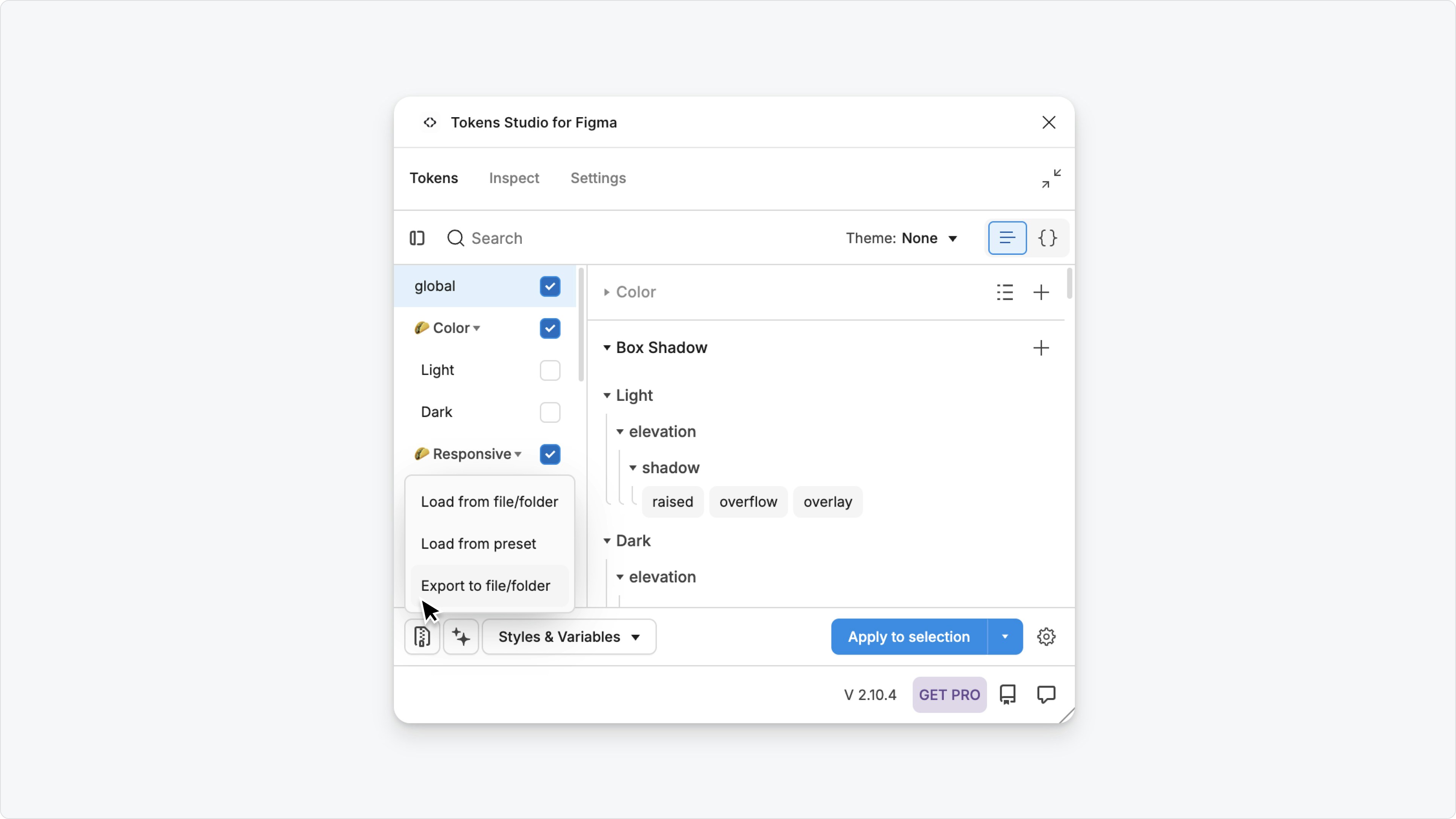
In this example, we’ll use Figma’s Tokens Studio plugin to create a JSON file with any selected styles and variables. Here is how:- Install Tokens Studio plugin in Figma
- Select the styles to include
- Select the variables to include (please note, Figma Variables are different from Play variables, so these will come in as styles, not variables)
- Download the styles as a JSON
Upload to Play
Upload the downloaded JSON file by clicking the import button from Play’s Style panel. The styles and variables will automatically be added to Play styles.Designs copied from Figma and pasted into Play, using our existing Figma Import, will not automatically use the imported styles. You’ll need to connect the design’s colors, text, and spacing values to the imported styles, which Play AI can help with.